

KwickClips Course Topics
Course Topics: 252 short revision clips (page 5)
One idea per clip, with the answer written out underneath. Each clip links back to the full Course Topics lesson it came from.
 Which button fills every label?42 sec
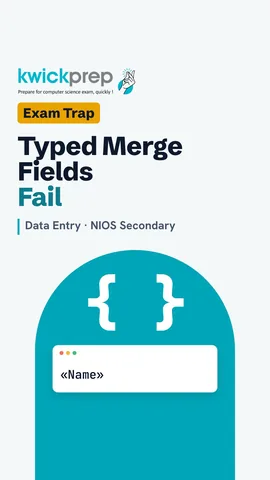 Can you type «Name» yourself?41 sec
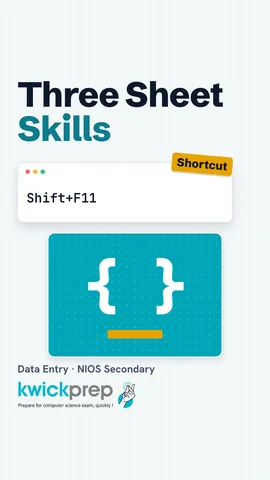 Which key adds a sheet?43 sec
 Does the Delete key remove the row?39 sec
 Is the number lost?42 sec
 Can sheets be renamed after this?42 sec
 What is the shortcut for Italic?42 sec
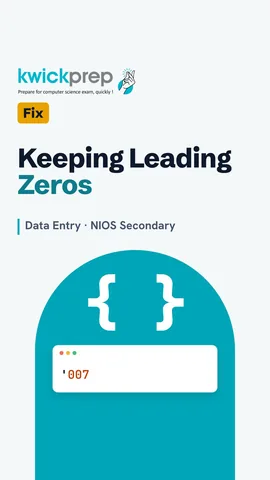 Which format keeps 007?44 sec
 What does clicking a letter select?40 sec
 Why can nobody type?43 sec
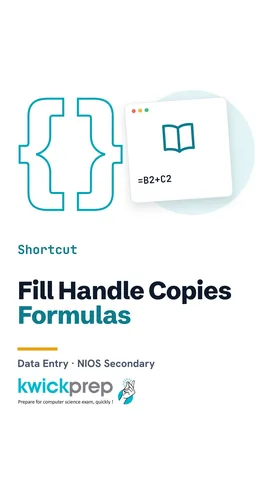 What does the fill handle do?49 sec
 Which chart for monthly sales comparison?43 sec
 Which one adds a box when you press Enter?45 sec
 Which key starts the slide show?50 sec
 Is a hidden slide deleted?43 sec
 Where do slide objects come from?43 sec
 How many ideas per slide?47 sec
 What are the four main jobs?47 sec
 Which key saves the file?47 sec
 Which key deletes to the right?46 sec
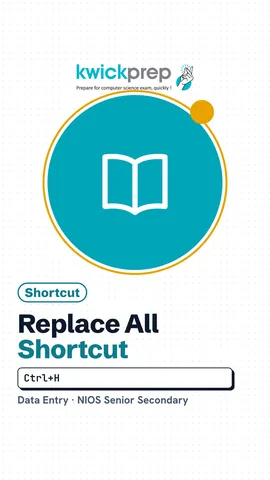 Which shortcut opens Replace?47 sec
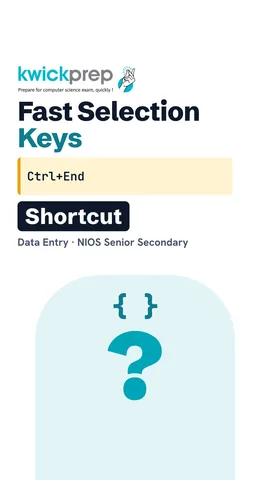 Which keys jump to the end of the file?48 sec
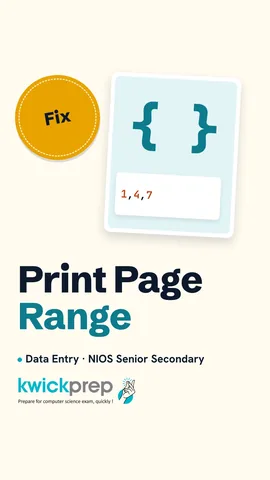 What does 2-5 print?45 sec
 Does formatting change the words?42 sec
 In what unit is font size measured?44 sec
 Which key makes both edges straight?47 sec
 Which orientation is wide?44 sec
 Where is the footer?42 sec
 Which list type for form-filling steps?51 sec
 Which part holds the list?43 sec
 Which file holds the fixed text?42 sec
 Can you type «Name» by hand?42 sec
 Which step fills every label?42 sec
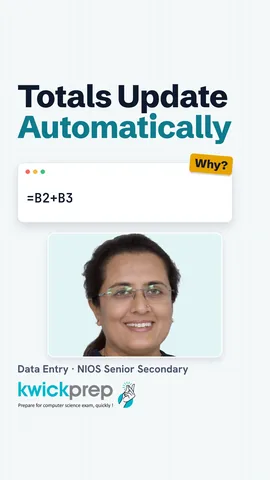 What does every formula start with?42 sec
 Which comes first in an address?42 sec
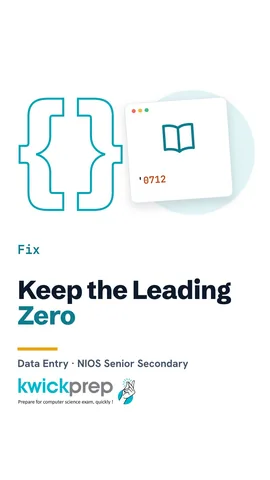 How do you keep a leading zero?45 sec
 Which key is Save As?48 sec
 Which keys go to A1?46 sec
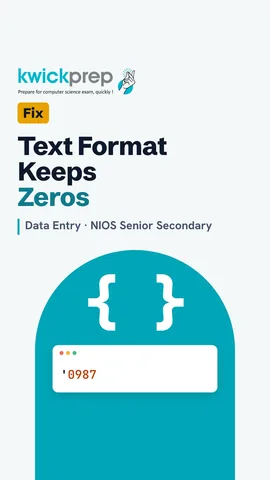 Why does the zero vanish?44 sec
 Why did my sheet print without lines?43 sec
 Is the number lost when a cell shows #####?42 sec
 Where does a new row go?46 sec
 Why did my copied formula give wrong answers?44 sec
 Why include the headings?42 sec
 Why does a bar look almost invisible?39 sec
 What is a slide?43 sec
 Which shortcut adds a slide?41 sec
 Why did my text vanish after drawing a shape?40 sec
Disclaimer. KwickAcademy is free study material for general learning and revision. Parts of it, including the voice-over, are produced with the help of AI tools and may contain errors; if you spot one, please tell us and we will correct it. Syllabus, marks and exam details follow the latest official board publications available to us, and boards can change them at any time, so always confirm against your board's official website and your school. Using this material does not guarantee any marks or result. Board names and trademarks belong to their owners; Kwickprep is not affiliated with or endorsed by any examination board. We never ask for passwords, OTPs or ID numbers. Your progress is saved only in this browser. Full disclaimer · Privacy