

KwickCards Networks and cyber safety
Networks and cyber safety: 20 revision cards
Every card below is written out in full underneath its picture, so you can read it, search it and copy from it. Free, no sign-up.
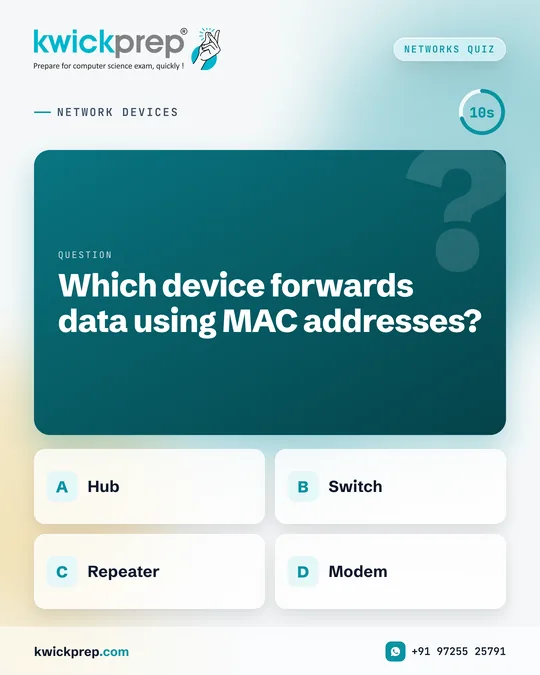
NETWORK DEVICES
Which device forwards data using MAC addresses?
- Hub
- Switch
- Repeater
- Modem
Network devices quick check for CBSE CS and IP.
Answer: B) Switch.
A switch reads the MAC address of the destination and sends data only to that device. A hub simply broadcasts data to all connected devices. A repeater regenerates weak signals, and a modem converts between digital and analog signals.
Routers, in comparison, forward data between networks using IP addresses.
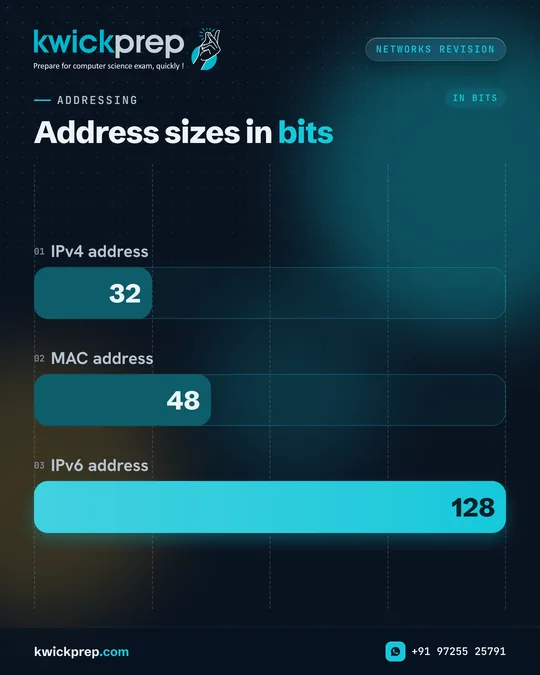
ADDRESSING
Address sizes in bits
- IPv4 address
- MAC address
- IPv6 address
IP address or MAC address, the bit counts are often mixed up.
An IPv4 address has 32 bits.
An IPv4 address has 32 bits, written as four decimal numbers from 0 to 255, like 192.168.1.10. An IPv6 address has 128 bits. A MAC address has 48 bits and is written in hexadecimal, like 00:1A:2B:3C:4D:5E.
IP addresses are logical; MAC addresses are physical.
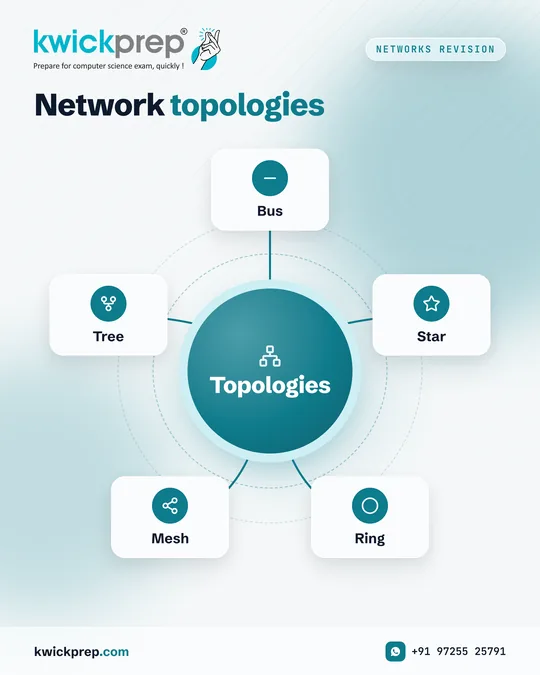
Networks Revision
Network topologies
Topologies
- Bus
- Star
- Ring
- Mesh
- Tree
Topology questions are regular in CBSE CS and IP networking.
Each topology has its own strengths. Bus is simple and uses less cable, but a backbone failure stops the network. Star is easy to manage, but depends on the central device. Mesh is reliable because data has alternative paths, but needs more cabling. Ring passes data around a loop, so one broken link can stop it. Tree suits large organisations.
For case-based questions, learn one advantage and one limitation of each.
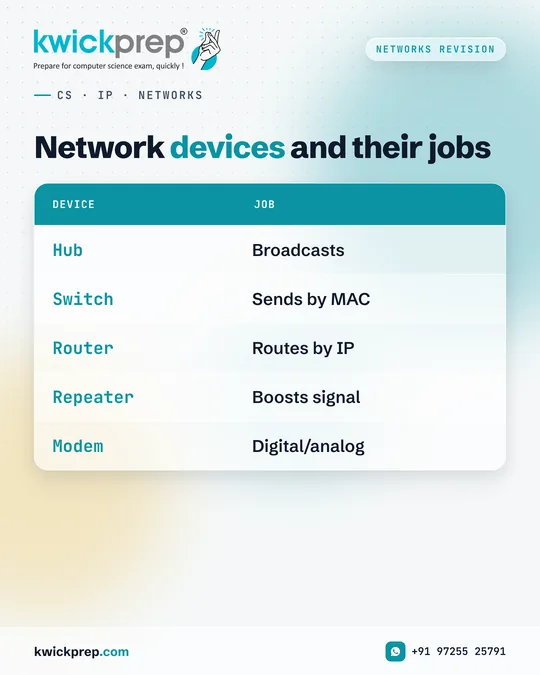
CS · IP · NETWORKS
Network devices and their jobs
| Device | Job |
|---|---|
| Hub | Broadcasts |
| Switch | Sends by MAC |
| Router | Routes by IP |
| Repeater | Boosts signal |
| Modem | Digital/analog |
Know what each device does, and the case studies become easy.
CBSE case-study questions often describe an office or school and ask which device to place where. Use a switch to connect computers within a building, a repeater when cable distance is long, and a router to connect to the internet or other networks.
A gateway connects networks that use different protocols.
CS · IP · PROTOCOLS
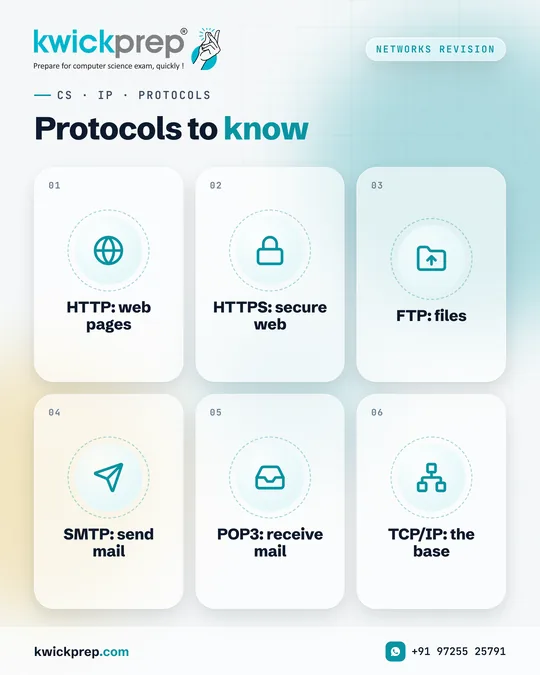
Protocols to know
- HTTP: web pages
- HTTPS: secure web
- FTP: files
- SMTP: send mail
- POP3: receive mail
- TCP/IP: the base
A protocol is a set of rules that devices follow to communicate.
CBSE CS and IP questions often ask you to name the protocol used for a task. Web browsing uses HTTP, or HTTPS for secure connections. File uploads use FTP. Sending mail uses SMTP, while POP3 downloads mail to your device.
TCP breaks data into packets and ensures reliable delivery, and IP handles addressing and routing.
ADDRESSING
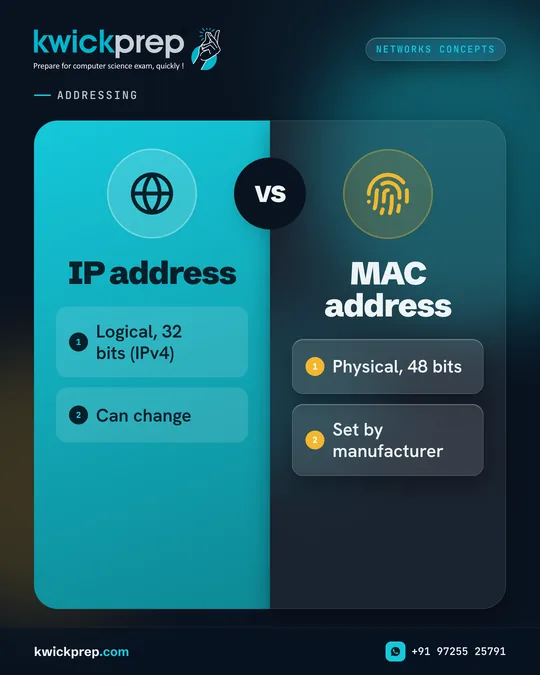
IP address
- Logical, 32 bits (IPv4)
- Can change
MAC address
- Physical, 48 bits
- Set by manufacturer
Two addresses, two different jobs.
An IP address identifies a device on a network and helps route data across networks, so it can change when you connect to a different Wi-Fi. A MAC address is built into the network interface card and identifies the hardware on a local network.
A simple way to remember: IP is like your postal address, MAC is like your fingerprint.
Networks Myth
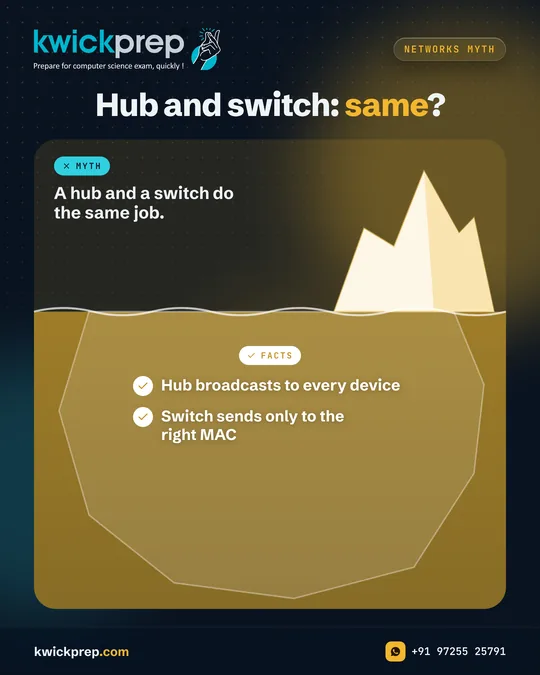
Hub and switch: same?
- Hub broadcasts to every device
- Switch sends only to the right MAC
Myth: A hub and a switch do the same job.
They look similar on a desk, but they work very differently.
Because a hub sends every packet to all devices, it wastes bandwidth and can cause more collisions. A switch forwards each packet only to the port where the destination device is connected, making the network faster and more efficient.
In CBSE case-study questions, a switch is usually the better choice for connecting computers inside a building.
Cyber Safety
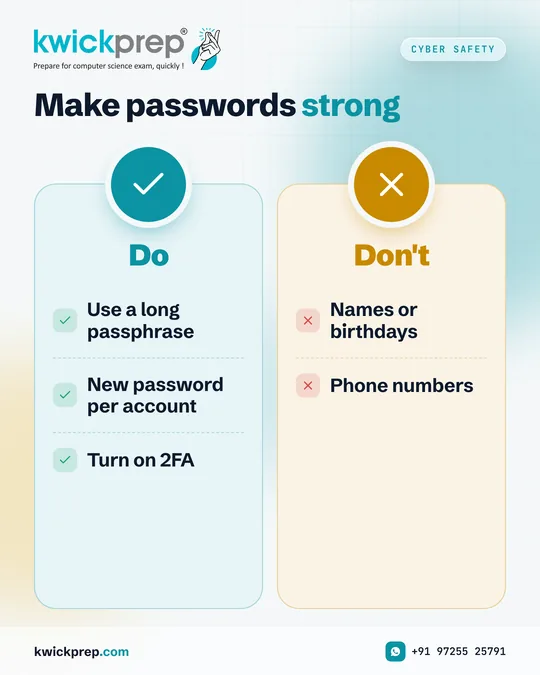
Make passwords strong
Do
- Use a long passphrase
- New password per account
- Turn on 2FA
Don't
- Names or birthdays
- Phone numbers
A weak password is like leaving your house key under the doormat.
Strong passwords are long, hard to guess and never reused. A simple method is a passphrase: a few unrelated words joined together, which is long yet easy for you to remember. Avoid birthdays, names and phone numbers, as these are the first things someone tries.
Most importantly, turn on two-factor authentication wherever it is available. Even if a password leaks, that second step can keep your account safe.
Cyber Safety
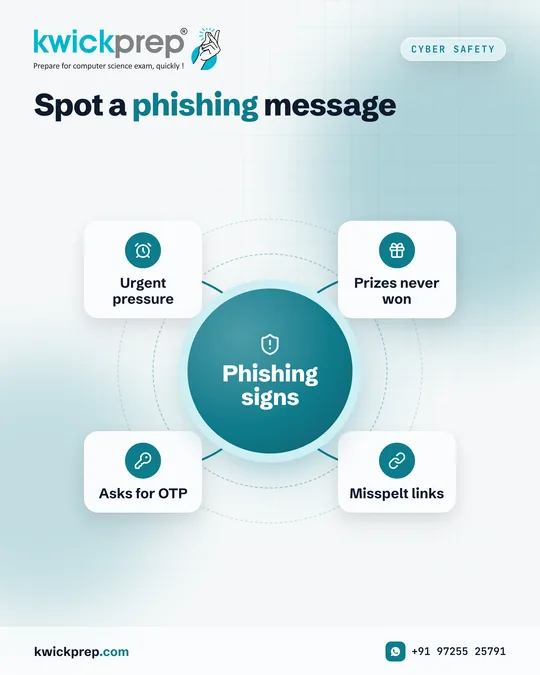
Spot a phishing message
Phishing signs
- Urgent pressure
- Prizes never won
- Misspelt links
- Asks for OTP
Phishing is when someone pretends to be a trusted source to trick you into sharing passwords, OTPs or personal details.
The message may look like it is from your bank, school, a delivery company or even a friend. It often creates urgency: act now, or your account will be blocked. It may offer a prize you never applied for.
The golden rule is simple. Never share an OTP or password with anyone, and do not click unexpected links. Go to the official website or app directly instead.
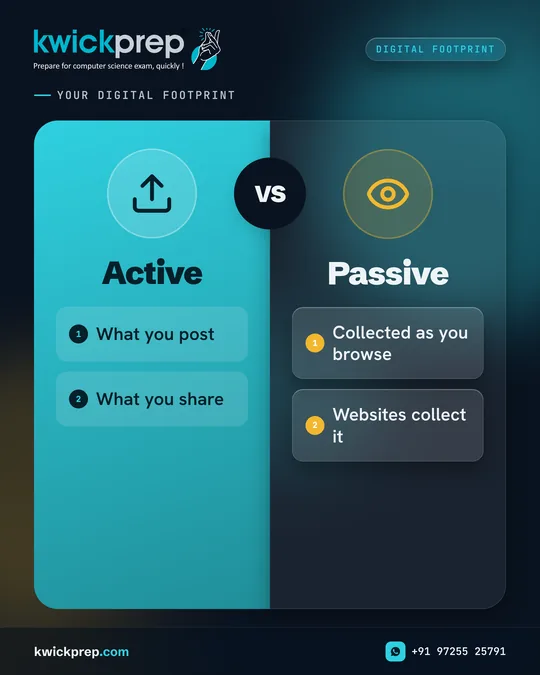
Your digital footprint
Active
- What you post
- What you share
Passive
- Collected as you browse
- Websites collect it
Every post, comment, photo and like adds to your digital footprint, the trail of data you leave online.
Some of it is active, like what you post yourself. Some is passive, like the data websites collect as you browse. Screenshots mean even deleted content can live on.
This matters because colleges, scholarship panels and future employers may look you up. Think before posting, check your privacy settings, and be kind in comments. A good digital footprint is built one thoughtful post at a time.
Cyber Safety
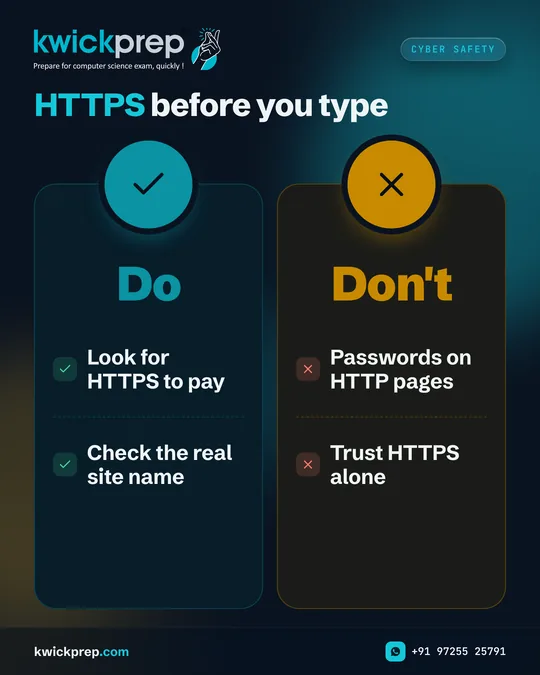
HTTPS before you type
Do
- Look for HTTPS to pay
- Check the real site name
Don't
- Passwords on HTTP pages
- Trust HTTPS alone
Before entering a password or payment details, glance at the address bar.
HTTP sends data between your browser and a website without encryption, so it could be read if intercepted. HTTPS encrypts that connection, which protects what you send.
One important caution: HTTPS means the connection is encrypted, not that the website is honest. Scam websites can use HTTPS too. So check the exact website name carefully, and prefer typing the address yourself or using the official app.
Cyber Safety
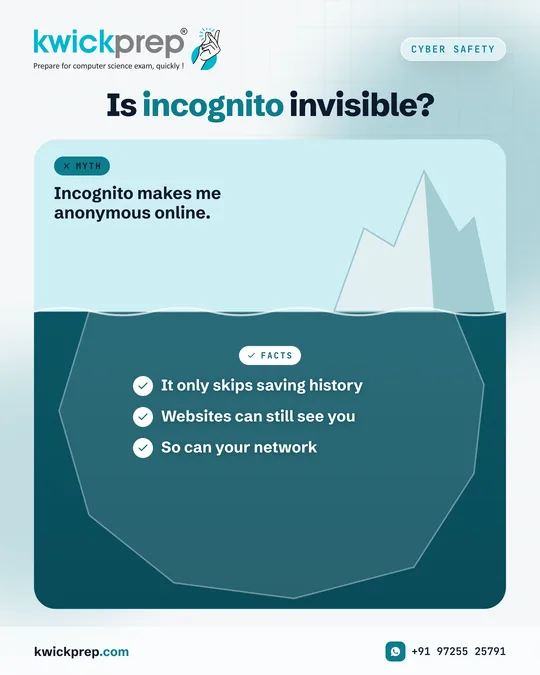
Is incognito invisible?
- It only skips saving history
- Websites can still see you
- So can your network
Myth: Incognito makes me anonymous online.
Incognito or private browsing is useful, but it is often misunderstood.
It stops your browser from saving your history, cookies and form data on that device after you close the window. That is helpful on a shared computer.
But websites you visit, your internet provider, and your school or office network may still be able to see your activity. For real online safety, rely on good habits: strong passwords, two-factor authentication and care about what you share.
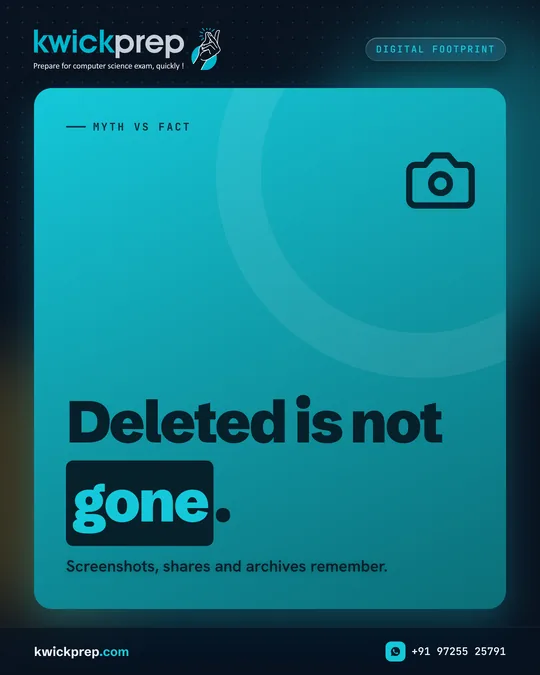
Myth vs fact
Screenshots, shares and archives remember.
Deleted is not gone.
You posted something, regretted it, and hit delete. Problem solved? Not always.
Before you deleted it, others may have taken screenshots, shared it, or saved it. Some content may also remain in archives or backups.
The safest approach is to pause before posting. Ask: would I be comfortable if a teacher, a college admissions panel or my family saw this? Your digital footprint is part of your reputation, so build it thoughtfully.
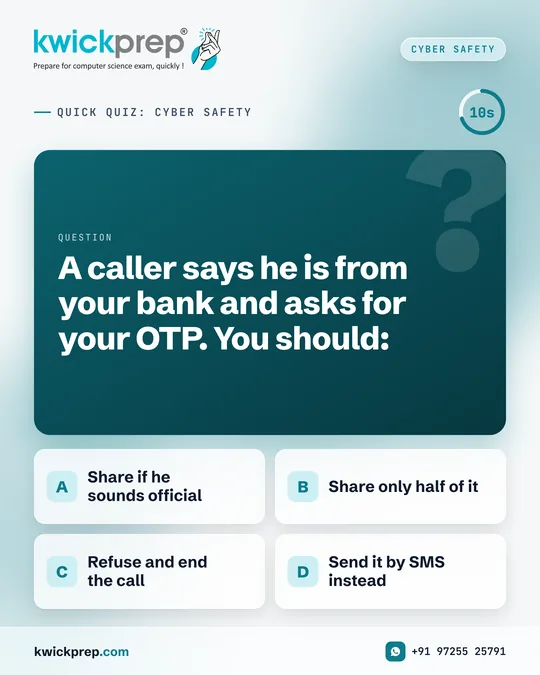
Quick quiz: cyber safety
A caller says he is from your bank and asks for your OTP. You should:
- Share if he sounds official
- Share only half of it
- Refuse and end the call
- Send it by SMS instead
Real-life cyber safety check.
Answer: (C) Refuse and end the call.
Genuine banks do not ask customers to share an OTP. An OTP is like a one-time key to your account, and anyone who has it may be able to complete a transaction or change your settings.
If you are worried, call the bank on the official number printed on your card or their official website. Share this with family members too, because these calls target everyone.
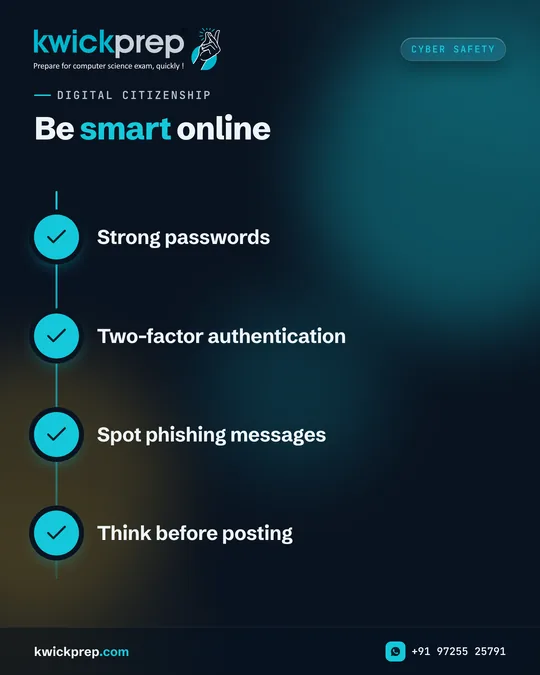
Digital citizenship
Be smart online
- Strong passwords
- Two-factor authentication
- Spot phishing messages
- Think before posting
Being online every day is normal. Being safe and responsible online is a skill.
Strong passwords, two-factor authentication, spotting phishing messages and thinking before posting are habits that protect you today and your reputation tomorrow.
Digital safety and societal impacts of technology are part of CBSE Computer Science and Informatics Practices too, so these lessons help in your exams as well as in life. Share this with a friend who needs the reminder.
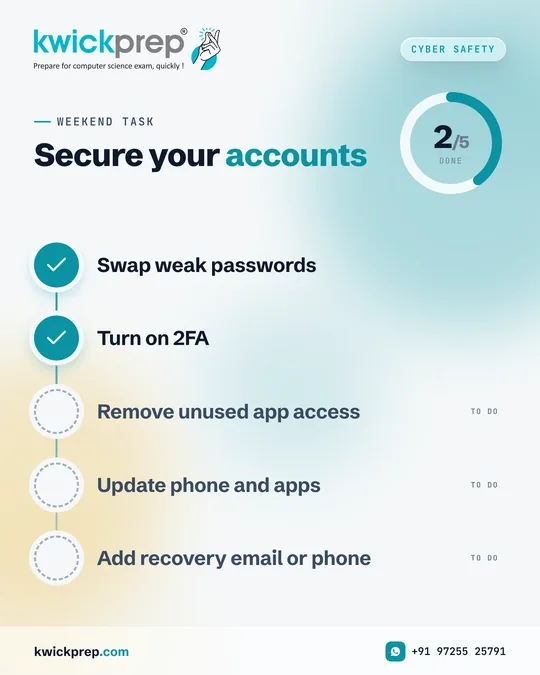
Weekend task
Secure your accounts
- Swap weak passwords
- Turn on 2FA
- Remove unused app access
- Update phone and apps
- Add recovery email or phone
Take ten minutes this weekend to make your online accounts much safer.
Start by changing weak or reused passwords to long passphrases. Turn on two-factor authentication for email and social media. Check which apps have access to your accounts and remove ones you no longer use. Update your phone and apps, since updates often fix security issues. Finally, set up recovery options so you can regain access if something goes wrong.
Your email account matters most, as it can reset many others.
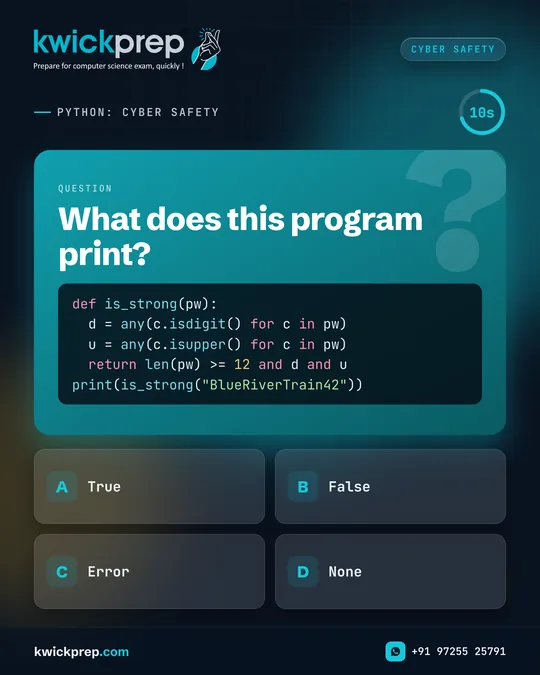
Python: cyber safety
What does this program print?
- True
- False
- Error
- None
def is_strong(pw):
  d = any(c.isdigit() for c in pw)
  u = any(c.isupper() for c in pw)
  return len(pw) >= 12 and d and u
print(is_strong("BlueRiverTrain42"))
Combine cyber safety and Python in one small program.
The function checks three rules: at least 12 characters, at least one digit and at least one capital letter.
Answer: (A) True
'BlueRiverTrain42' is 16 characters long and has digits and capital letters, so all three rules pass. A word like 'sunflower' would return False: too short, no digit, no capital.
This is only a learning exercise; real password strength also depends on not reusing passwords and avoiding predictable words. Try adding a rule for special characters!
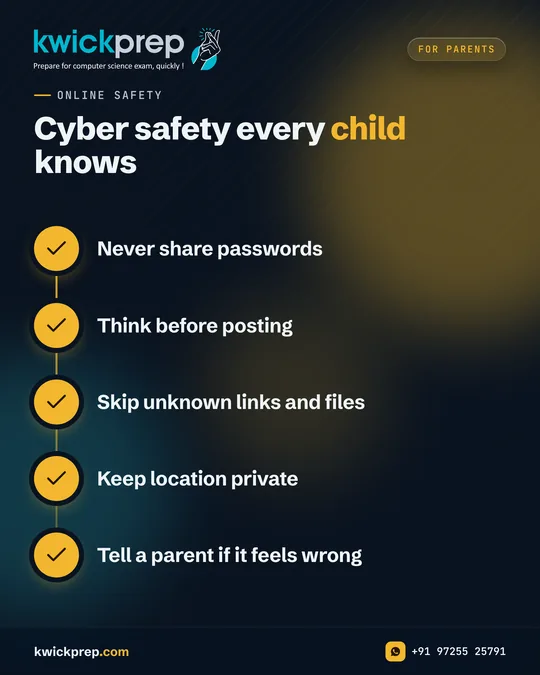
Online safety
Cyber safety every child knows
- Never share passwords
- Think before posting
- Skip unknown links and files
- Keep location private
- Tell a parent if it feels wrong
Children spend more time online than any generation before them. Cyber safety is now a life skill, and it is also part of CBSE Class 11 Computer Science under Society, Law and Ethics.
These conversations work best when they are calm and open, not frightening. Your child should feel they can come to you if something online feels wrong, without fear of losing their device.
Start with these simple habits at home.
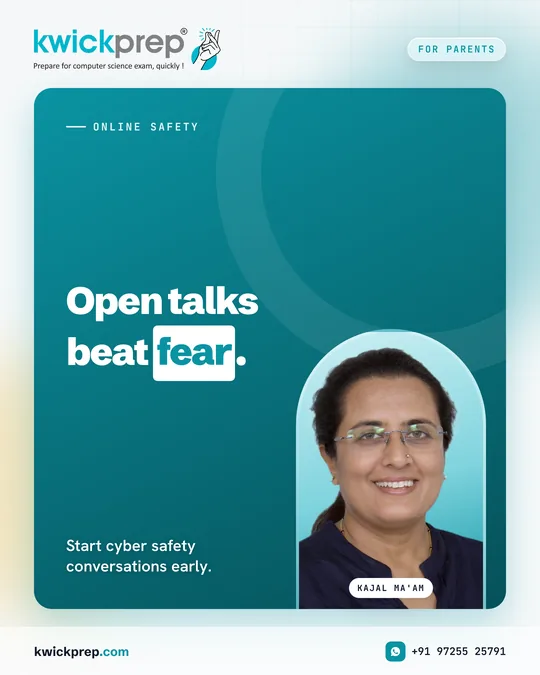
Online safety
Start cyber safety conversations early.
Open talks beat fear.
Children now meet the internet long before they meet a Computer Science syllabus.
Cyber safety conversations work best when they begin early and stay open. Fear-based warnings often make children hide problems rather than share them.
Talk about passwords, privacy, unknown links and digital footprints the way you would talk about road safety, calmly and often.
Most importantly, make sure your child knows they can tell you anything without being punished for it.
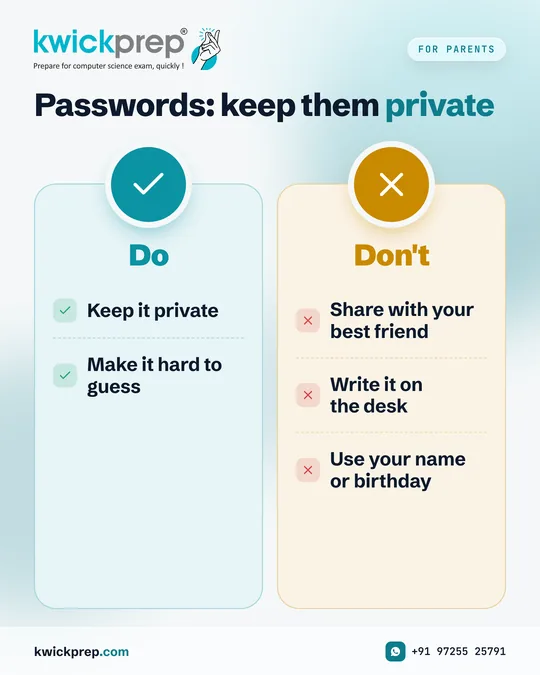
Cyber Safety
Passwords: keep them private
Do
- Keep it private
- Make it hard to guess
Don't
- Share with your best friend
- Write it on the desk
- Use your name or birthday
A cyber safety talk you can have with your child tonight.
The safest thing to do with a password is keep it private.
Passwords should never be shared, even with close friends, and should not be easy to guess like a name or birthday.
Cyber safety is also part of CBSE Class 11 Computer Science under Society, Law and Ethics.
Children who feel safe talking to their parents are far better protected online than children who only hear warnings.
If this helped, share it with another parent in your circle.
Disclaimer. KwickAcademy is free study material for general learning and revision. Parts of it, including the voice-over, are produced with the help of AI tools and may contain errors; if you spot one, please tell us and we will correct it. Syllabus, marks and exam details follow the latest official board publications available to us, and boards can change them at any time, so always confirm against your board's official website and your school. Using this material does not guarantee any marks or result. Board names and trademarks belong to their owners; Kwickprep is not affiliated with or endorsed by any examination board. We never ask for passwords, OTPs or ID numbers. Your progress is saved only in this browser. Full disclaimer · Privacy